Sonos
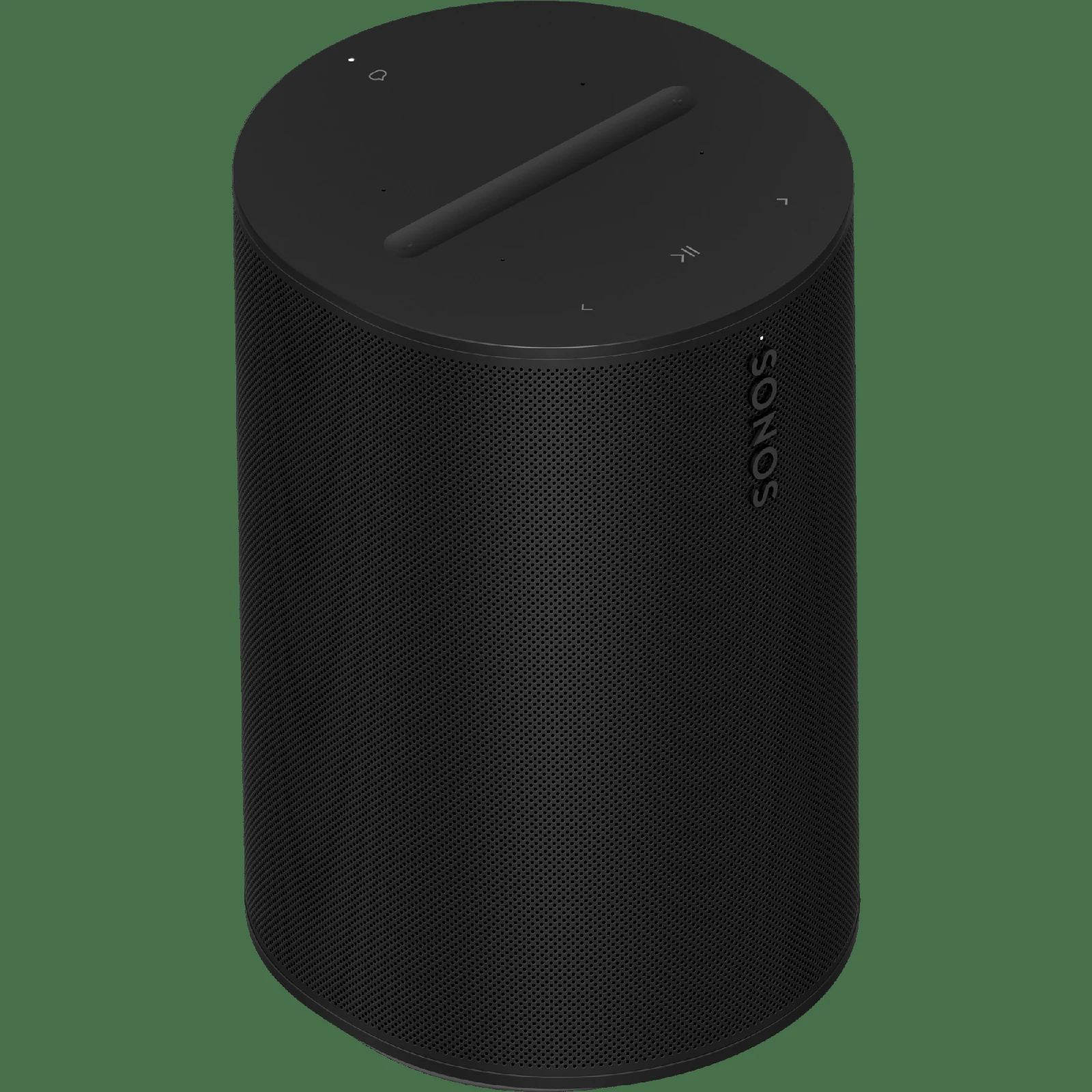
Sonos Era 100 Speaker
WiFi + Bluetooth smart speaker with Trueplay tuning. Stereo pairable.
Buy on Amazon →Affiliate link — same price for you, supports Switcheroom.
Pros & Cons
What we like
- Rich sound
- small footprint
- multi-room
Watch out for
- No battery — needs outlet
Renter-Safe Verified
This product can be used, installed, or placed without drilling, nailing, or permanently modifying your rental. When you move out, it comes with you — and your deposit stays intact.
A small room often needs one speaker that sounds substantial without occupying an entire console. The Era 100 is the sensible Sonos entry point for an apartment bedroom, kitchen, or office: it plays over Wi-Fi and Bluetooth, supports AirPlay 2, and can join a multi-room Sonos system. Its compact footprint and simple power-only placement are renter-friendly. The catch is equally clear: it is an outlet-powered ecosystem product, not a portable Bluetooth speaker, and some useful wired connections require an extra adapter.
Who It Is For—and Who Should Skip It
It is for listeners who want everyday music in one room now and may add Sonos rooms, a stereo partner, or compatible home-theater surrounds later. It also suits households that alternate between Wi-Fi streaming and guests using Bluetooth. Skip it if you need a battery, Google Assistant, a conventional analog input included in the box, or a speaker that works independently of an app during initial setup. Buyers who only need casual Bluetooth playback can spend less on a portable speaker.
What Product Details and Buyer Feedback Reveal
Sonos specifies Wi-Fi and Bluetooth playback, touch controls, voice control options, and Trueplay room tuning. Two Era 100 units can form a stereo pair; Sonos also supports using a pair as surrounds with compatible soundbars. A USB-C port can accept line-in from equipment such as a turntable with a built-in phono preamp, but Sonos says the separate Line-In Adapter is required. The product guide advises leaving space behind the speaker when it sits close to a wall or shelf.
Retailer feedback repeatedly emphasizes easy setup, strong sound for the size, and the convenience of AirPlay, Bluetooth, and Sonos multi-room playback in one device. Professional reviews likewise tend to regard it as a meaningful sonic step above the Sonos One. The less flattering pattern is ecosystem friction: setup and most configuration flow through the Sonos app, and buyers sometimes report app or network problems. Those reports are not universal, but they matter more than a minor cosmetic complaint because the app is central to the experience.
Renter and Apartment Fit
| Placement issue | Apartment implication |
|---|---|
| Wall damage | None when placed on a shelf or counter; no mounting is required. |
| Power | It needs a nearby outlet and has no battery. |
| Neighbors | Trueplay can tune for the room, but it does not replace considerate volume and bass settings. |
| Moving | Unplug and carry it; reconnect it to the new Wi-Fi network through the app. |
For a studio, the single-speaker format avoids drilling and cable runs. Put it on a stable surface with ventilation and some rear clearance rather than squeezing it behind books. If you later buy a second unit for stereo, include that doubling of hardware cost in the decision.
Setup Reality and Common Failure Modes
Setup requires power, the Sonos app, and access to the apartment Wi-Fi network. Add the speaker in the app, install any offered update, then run Trueplay if desired. Bluetooth pairing is available after the speaker is configured. Common trouble points are weak Wi-Fi at the shelf, placing the speaker flush against a wall, assuming the USB-C port accepts any cable without the Sonos adapter, or expecting a turntable without a phono preamp to work directly.
The honest trade-off is dependence on Sonos software and power. Choose a battery Bluetooth model if mobility and independence matter most; choose the Era 100 if reliable room-based streaming, compact sound, and a credible path to multi-room audio are worth the ecosystem commitment.
Last checked: 2026-07-27. Sources: Sonos product page, Sonos user guide, Best Buy buyer feedback, What Hi-Fi review.Best For
- Studio apartment music for a renter avoiding wall mounts
- Bedroom listening for an AirPlay household
- Kitchen audio for a cook using Bluetooth guests
- Home office speaker for a Sonos multi-room owner
Setup & Install
Place it on a stable surface near an outlet, leave clearance behind it, and complete setup in the Sonos app over Wi-Fi; no mounting or tools are required. Bluetooth is available, while analog line-in through USB-C requires Sonos's separately sold Line-In Adapter. Moving it leaves no wall damage, but the speaker has no battery and must remain plugged in.
FAQ
Can the Sonos Era 100 work as a Bluetooth speaker?
Yes. Era 100 supports Bluetooth as well as Wi-Fi streaming, though initial system setup and configuration use the Sonos app. It is not portable because it has no battery.
Does the Era 100 need a Sonos Bridge or hub?
No separate Sonos hub is required. It connects to the Sonos system over Wi-Fi, and it can also play from a Bluetooth device.
Can I connect a turntable to the Era 100?
A line-level source can connect through the USB-C port with the separately sold Sonos Line-In Adapter. A turntable also needs a built-in or external phono preamp before that line input.
Is the Era 100 renter-friendly?
Yes when used on a shelf or counter: it requires no drilling and leaves no mounting damage. It does need an outlet and adequate Wi-Fi where it is placed.