Govee
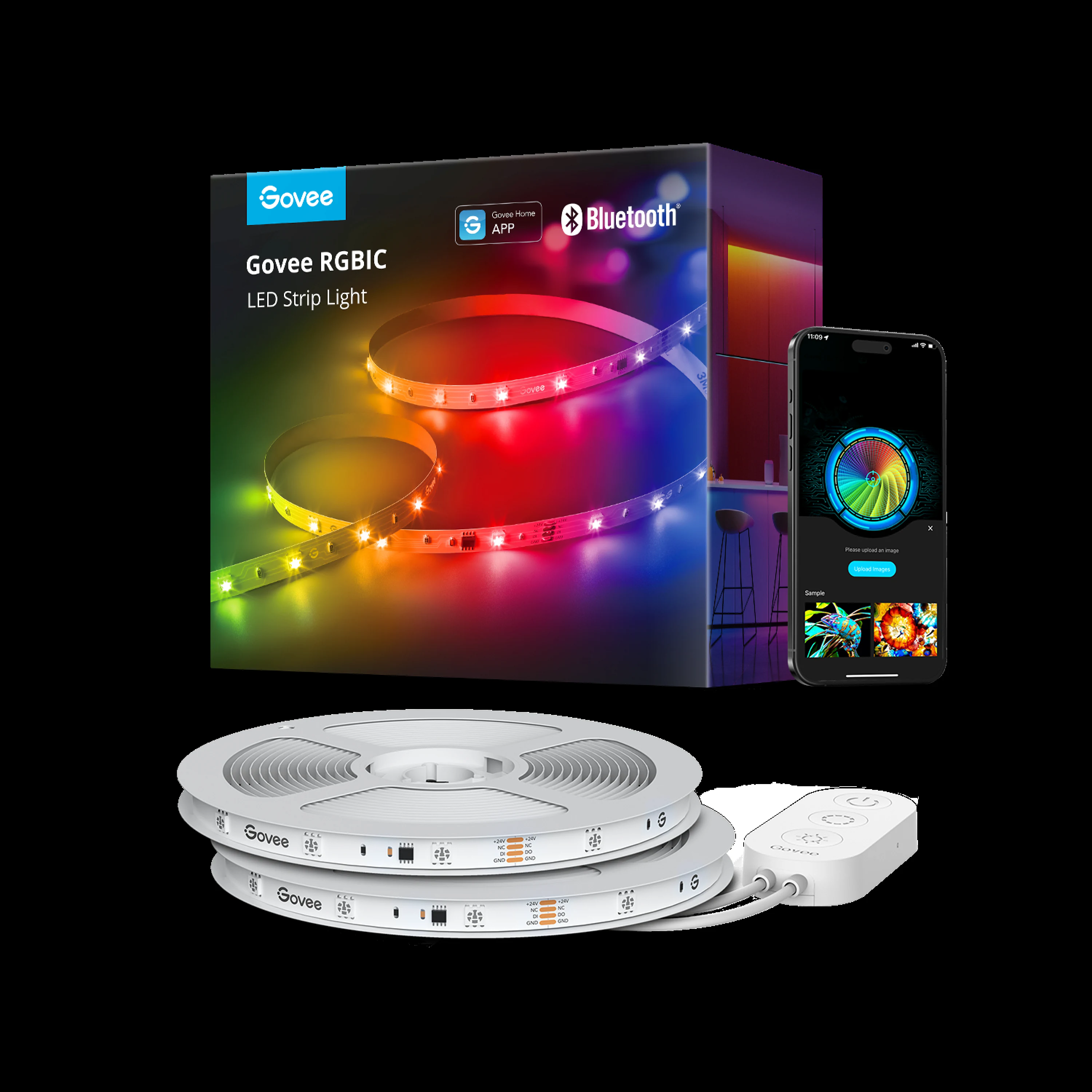
Govee RGBIC LED Strip Lights 32.8ft
Adhesive-backed LED strip with app control. Segments color independently. Peels off clean from most surfaces.
Buy on Amazon →Affiliate link — same price for you, supports Switcheroom.
Renter-Safe Verified
This product can be used, installed, or placed without drilling, nailing, or permanently modifying your rental. When you move out, it comes with you — and your deposit stays intact.
A plain rental bedroom often needs light in places the ceiling fixture cannot reach: behind a desk, under a bed frame, or along the back edge of a media console. This 32.8-foot indoor strip is a sensible pick when the goal is colorful ambient light rather than bright task lighting. Its main advantage is RGBIC control, which lets different sections show different colors at the same time instead of forcing the entire run into one color. That makes it more flexible for a gaming corner or a low-glare evening scene, but it is still an exposed adhesive light strip, not a finished architectural fixture.
Who It Is For—and Who Should Skip It
It fits renters who want a large visual change without drilling, app-minded users who enjoy building color scenes, and apartment dwellers who can hide the strip itself behind furniture. Skip it if you need neutral, color-accurate light for reading or makeup, dislike controlling accessories through a phone, or expect a bare LED strip to look polished when it is directly visible. It is also the wrong choice for a wall with fragile paint or a lease that prohibits adhesive products unless the landlord approves them.
What Product Details and Buyer Feedback Reveal
Govee describes the 32.8-foot RGBIC model as an app-controlled strip with segmented DIY color control and music synchronization. The independently controlled zones are the meaningful difference from a basic RGB strip: one continuous run can display multiple colors. The exact Amazon listing independently confirms the 32.8-foot length, Bluetooth app control, multicolor-on-one-line effects, and music sync. It does not justify assuming that every similarly named Govee strip has Wi-Fi, voice-assistant support, or outdoor protection, so those features should not be part of this buying decision.
Accessible retailer feedback on Govee RGBIC strips consistently favors the range of scenes and app customization. The recurring negatives are more practical: adhesive can struggle on some surfaces, advanced app controls take time to learn, and a long strip is harder to place neatly than the peel-and-stick label suggests. Those patterns are useful, but they come from related Govee RGBIC retailer pages as well as the exact Amazon listing; they are not presented as a verified review sample for this one SKU.
Renter and Apartment Fit
| Decision point | Fit | Risk to check |
|---|---|---|
| Behind a desk or TV unit | Good for indirect ambient color | Keep the LEDs hidden from direct sight for a cleaner result |
| Smooth sealed furniture | Usually the easiest mounting context | Test the adhesive in a concealed spot first |
| Painted rental wall | Possible, not guaranteed damage-free | Weak, fresh, or poorly bonded paint may lift during removal |
| Moving apartments | Controller and power supply are portable | Adhesive performance may not survive removal and reuse |
The renter trade-off is simple: no drill holes does not mean no deposit risk. Adhesive strength varies with paint condition, texture, dust, and heat. Mounting behind movable furniture reduces both visual clutter and the chance that a prominent wall needs repair later.
Setup Reality and Common Failure Modes
Plan the full path before exposing any adhesive, confirm that the power lead reaches an outlet, and clean and dry the mounting surface. Apply the strip gradually while keeping bends gentle and pressing the backing into full contact. Pair it with the Govee Home app only after the physical route is settled. The common failures are starting from the wrong end, leaving slack or a visible sag at corners, applying over dust or texture, and discovering too late that the outlet or controller lands in an awkward location.
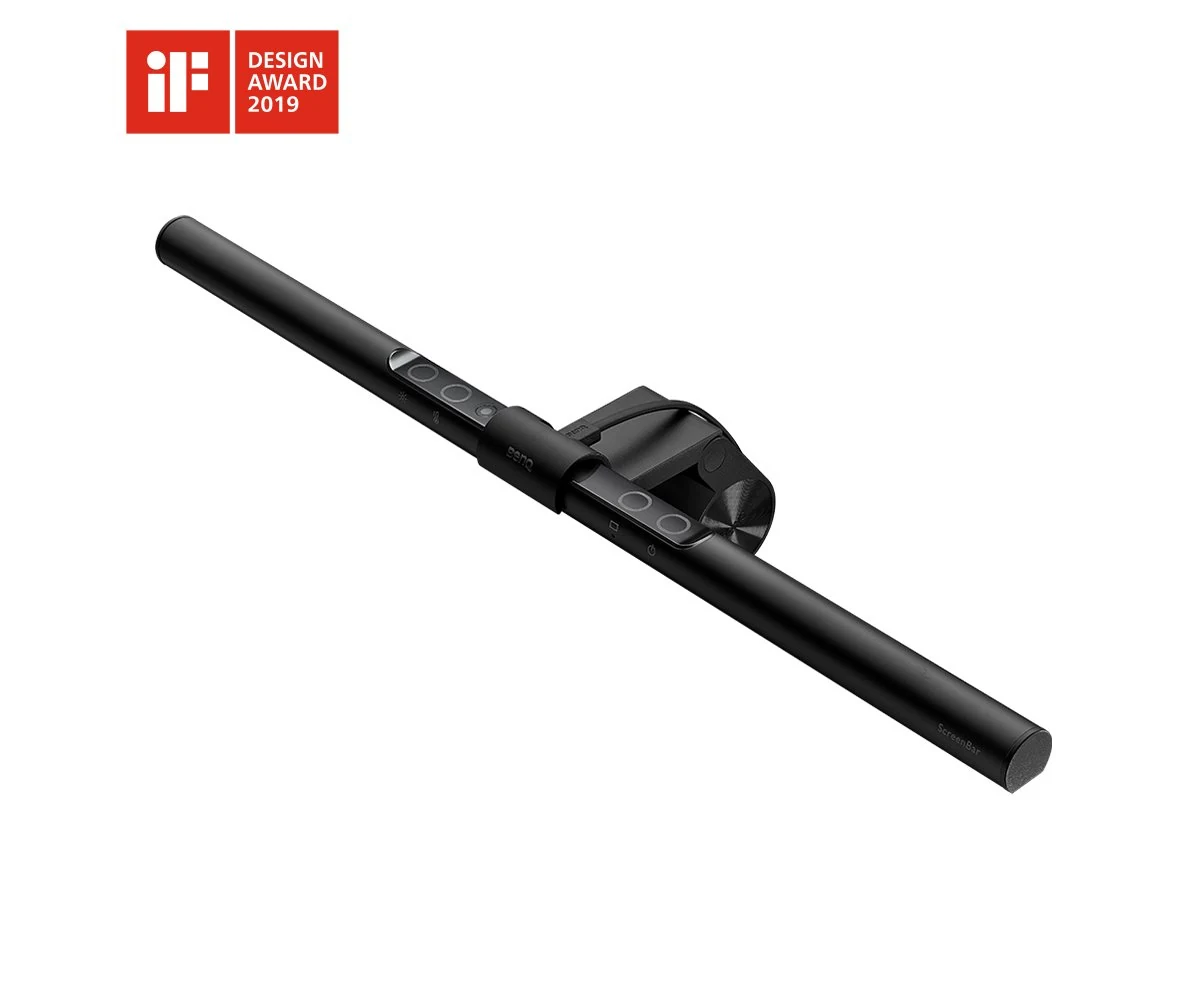
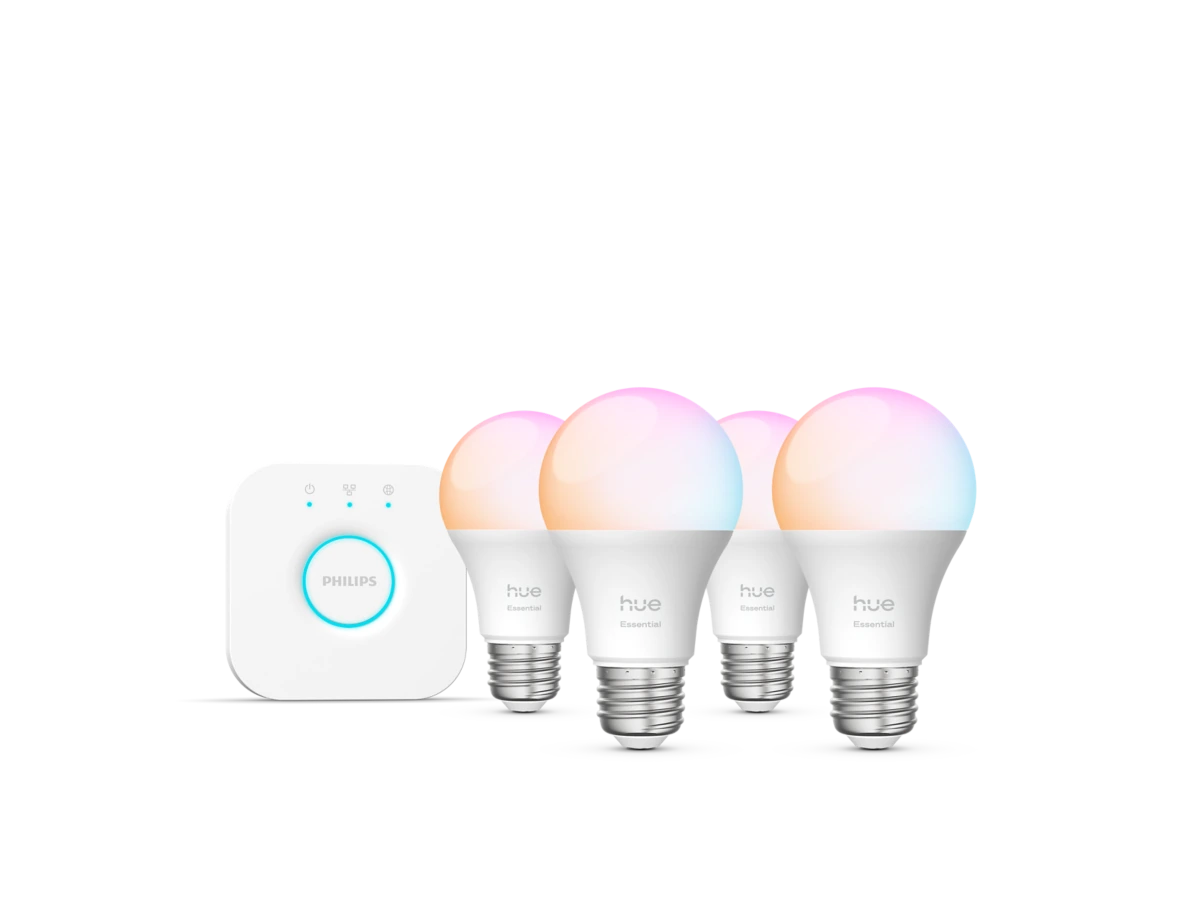
The honest alternative is a smart bulb or plug-in light bar. Either costs less effort to relocate and carries less paint risk, while this strip wins when continuous edge lighting and multizone color are the actual priorities.
Research note: Last checked: 2026-07-27. Evidence reviewed: Govee product page, exact Amazon listing, and Lowe's retailer feedback. Amazon product details were accessible through search results; a full review corpus was not accessible, so no Amazon review count is claimed.Best For
- Rental bedroom gaming desk
- Studio apartment media console
- Renter home-office backdrop
- Teen bedroom indirect lighting
Setup & Install
No drilling is required, but plan the route and outlet position before exposing the adhesive, then clean and fully dry the surface and press the strip down gradually. Smooth sealed furniture is lower risk than painted drywall; test a hidden area because the manufacturer does not promise damage-free removal from every paint system. Keep the strip indoors and do not assume Wi-Fi, voice control, outdoor protection, or cut-and-reconnect support for this exact Bluetooth listing.
FAQ
Can this Govee strip show more than one color at once?
Yes. Govee's RGBIC control assigns colors to different segments of the same strip, and the app includes segmented DIY effects.
Does this exact 32.8-foot version require Wi-Fi?
The exact Amazon listing reviewed identifies Bluetooth app control. Govee sells several similarly named 32.8-foot versions, so do not assume Wi-Fi or voice-assistant support unless the selected listing explicitly includes it.
Is it safe for a rental wall?
It avoids screw holes, but adhesive is not automatically damage-free. Test a concealed spot on fully cured, sound paint and consider placing the strip behind furniture rather than on a prominent wall.
Why does an LED strip start peeling?
Dust, texture, moisture, weak paint, tight bends, and tension in the strip can reduce contact. Clean and dry the surface, plan gentle turns, and press the adhesive evenly during installation.