LIFX
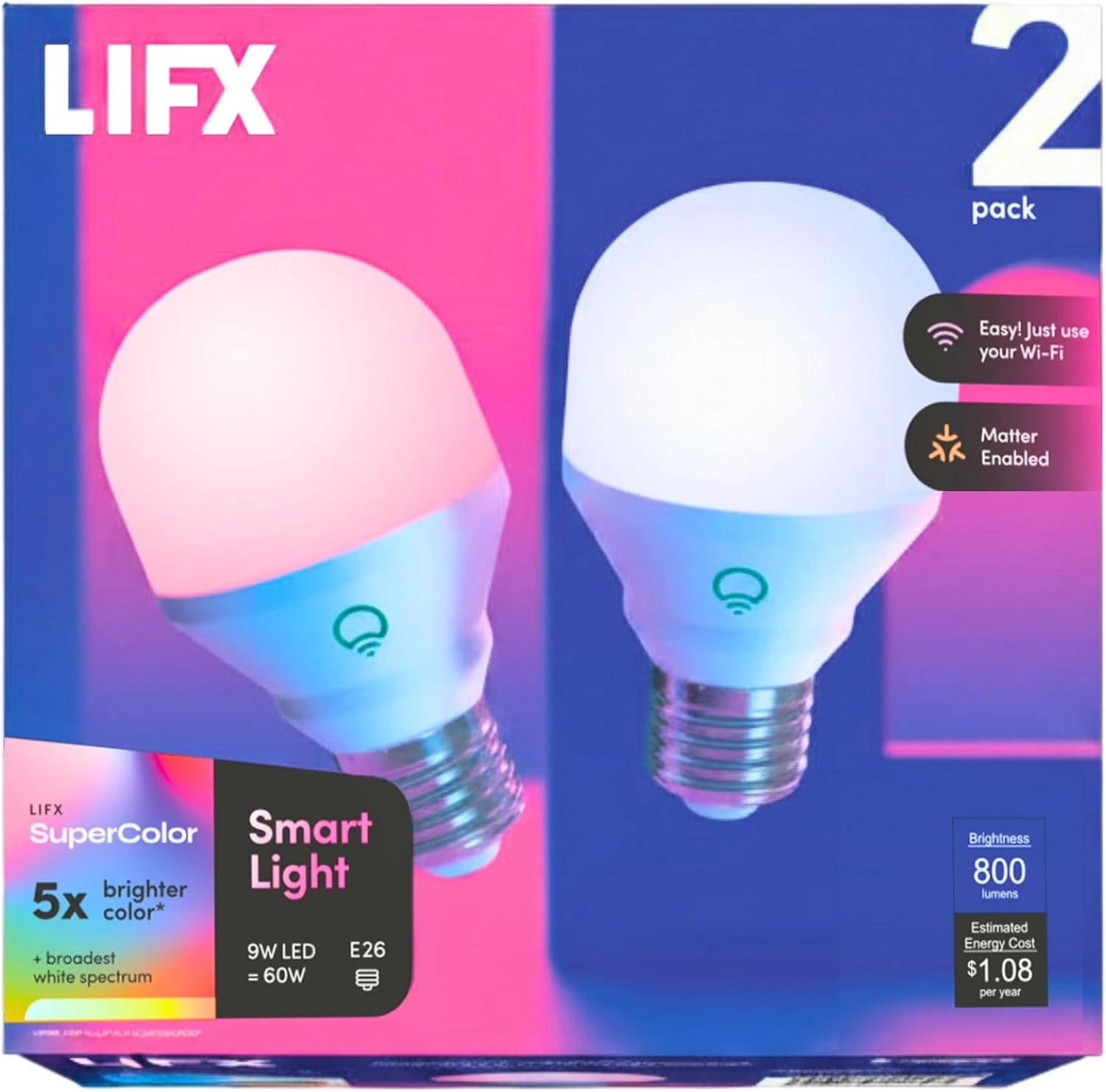
LIFX SuperColor A19 800-Lumen Smart Bulbs — E26, 2-Pack
Two hub-free LIFX SuperColor A19 smart bulbs with standard E26 bases, 800-lumen output, RGB color, 1500K–9000K tunable whites, Matter support, and direct Wi-Fi control.
Buy on Amazon →Affiliate link — same price for you, supports Switcheroom.
Pros & Cons
What we like
- No hub required
- Broad color and white range
- Matter and major voice-platform support
- Standard E26 fit
Watch out for
- Needs reliable 2.4GHz Wi-Fi
- Costs more than basic smart bulbs
- App and network setup add complexity
Renter-Safe Verified
This product can be used, installed, or placed without drilling, nailing, or permanently modifying your rental. When you move out, it comes with you — and your deposit stays intact.
Verdict: This exact two-pack is a close functional replacement for a pair of full-color A19 smart bulbs, but with a current identity that can be checked across LIFX and Amazon. Each bulb uses a standard E26 base, produces up to 800 lumens, and offers RGB color plus tunable white light from 1500K to 9000K. The pack makes sense when two lamps in the same living room, bedroom, or office should share scenes and schedules without adding a separate bridge. LIFX visibly listed the two-pack at a regular $34.99 during this check.
Who It Is For—and Who Should Skip It
Choose this pack if vivid color, broad white-temperature control, and direct Wi-Fi are more important than building a hub-based lighting system. It suits renters who can swap bulbs but cannot alter fixtures, as well as households already using Apple Home, Alexa, Google Home, or SmartThings through Matter. Skip it if the fixture uses a base other than E26, is enclosed or otherwise incompatible with the product guidance, or sits beyond reliable Wi-Fi coverage. A basic dimmable LED is cheaper if app control, routines, and color are unnecessary.
Product Details and Buyer Feedback
The exact retailer identity is Amazon ASIN B08BKZFHQQ, titled as a LIFX Color smart-light two-pack with A19 shape, E26 base, Matter compatibility, 800-lumen output, RGB color, tunable white, and 2.4GHz Wi-Fi. LIFX calls the current product SuperColor and specifies 9W power, a 60W-incandescent equivalent, 82+ CRI, dimming from 1% to 100%, and no required hub. The official page also describes app scenes, schedules, and direct support for major smart-home platforms.
Amazon showed 4.4 out of 5 stars from 4,337 ratings during this run. Accessible exact-product feedback and independent coverage consistently favor saturated colors, the wide white range, and avoiding a bridge. The recurring trade-off is network dependence: setup or reconnecting can be frustrating when 2.4GHz Wi-Fi, router settings, firmware, or platform permissions are not cooperating. Those themes do not mean every home will have connection trouble, but they make router compatibility and fixture location part of the buying decision.
Renter and Apartment Fit
These bulbs require no drilling, adhesive, or permanent wiring. Keep the landlord's original bulbs, label them, and reinstall them before moving out. The physical swap is deposit-safe when the lamp is compatible and power is switched off, but smart-home privacy and account cleanup still matter in a shared apartment. Remove the bulbs from LIFX and linked platforms, reset them according to current support instructions, and avoid leaving another resident with devices tied to your account.
Setup Reality and Common Failure Modes
Turn the fixture off, let the old bulb cool, install each LIFX bulb in a compatible E26 socket, restore power, and pair through the LIFX app or the supported Matter flow. No tools are normally needed. Common failures include trying to pair on an unsupported network configuration, weak signal at the lamp, cutting power at the wall switch so automations cannot run, and using a traditional wall dimmer instead of app-based dimming. If pairing fails, verify 2.4GHz network access and follow LIFX reset guidance rather than repeatedly power-cycling at random.
Honest Trade-Off and Alternative Cue
The benefit of skipping a hub is lower entry cost and less hardware, but every bulb depends directly on the wireless network. A hub-based system can be the better choice for a large apartment-wide installation, while an inexpensive non-smart LED is better for a single lamp that only needs dependable white light. This LIFX pack earns its place when two full-color bulbs, strong white-temperature range, Matter support, and a documented exact listing are the priorities.
Sources and Last Checked
Last checked: July 28, 2026. Evidence: LIFX official SuperColor 800 two-pack page and regular price, Amazon exact ASIN, variant, rating, and buyer feedback, independent LIFX setup and use cross-check, and LIFX support center.
Best For
- Rental living room with two table lamps
- Apartment bedroom wind-down lighting
- Home-office focus and video-call scenes
- Shared media room using Matter automations
Setup & Install
No tools or permanent fixture changes are normally required: switch power off, let the old bulbs cool, and install these only in compatible E26 sockets. Pair through the LIFX app or supported Matter flow on a reliable 2.4GHz Wi-Fi network, and leave the wall switch on for remote control. Keep the landlord's original bulbs, then unlink and reset the smart bulbs before moving.
FAQ
Do LIFX SuperColor 800 bulbs need a hub?
No. They connect directly over Wi-Fi and can be managed in the LIFX app or through supported Matter platforms. A reliable 2.4GHz network is part of the setup.
Will this two-pack fit a standard US lamp?
The exact pack uses A19 bulbs with standard E26 screw bases. Confirm the fixture base, enclosure guidance, and electrical compatibility before installation.
How bright and how warm can these bulbs get?
LIFX specifies up to 800 lumens per bulb, dimming from 1% to 100%, and a white-temperature range from warm 1500K to cool 9000K, plus RGB color.
Are LIFX bulbs renter-friendly?
Yes when the lease allows bulb swaps and the fixture is compatible. They require no drilling or adhesive; keep the original bulbs and reinstall them when moving, then remove and reset the smart bulbs from your accounts.